
Bruedd Virtual Backgrounds
Show up with presence. Four premium backgrounds designed for Zoom, Google Meet, and Microsoft Teams.

The Boardroom
A complete Zoom murder mystery kit. One CEO dead. Six suspects. Use these premium backgrounds to set the scene — Private Library and Rooftop Terrace are the recommended scenes.
Explore The Boardroom Mystery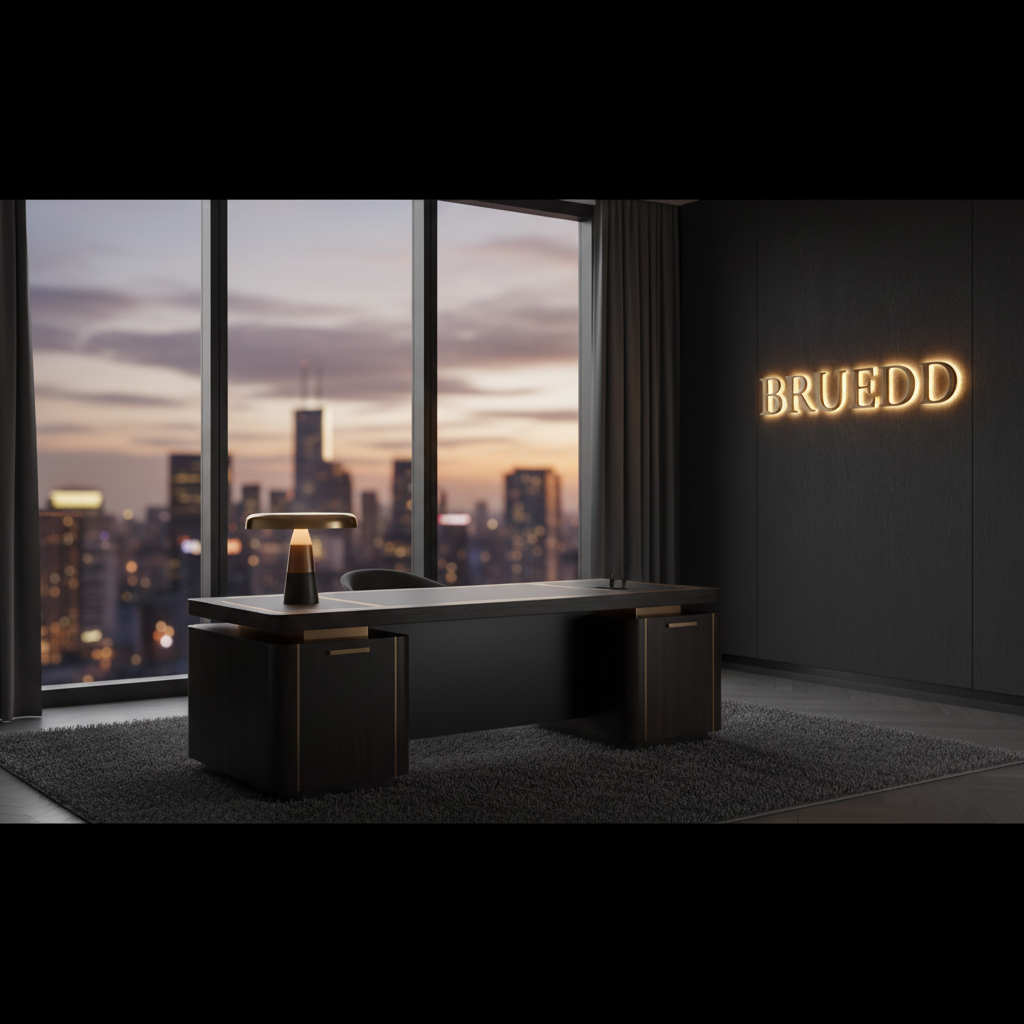
Executive Office
Dark luxury office with city skyline — perfect for client calls and presentations.
Executive Office

Spotlight Stage

Gold Abstract

Minimal Gradient
Download All
4 backgrounds · PNG · 1920×1080
Upgrade Your Presence
4 exclusive cinematic scenes — penthouse, private library, tropical beachfront, and rooftop terrace. One-time unlock, yours forever.

Penthouse Suite

Private Library

Tropical Beachfront

Rooftop Terrace
One-time payment · Instant download · 4 scenes · 1920×1080 PNG
Look Like You Belong There
A good background only works if you do too. Here's what actually makes a difference on Zoom and Teams — from someone who's been on way too many video calls.
Light your face, not the room
This one tip fixes 80% of bad video calls. Get a light source — a window, a lamp, anything — facing you directly. If the light is behind you, you'll look like a shadow against that bright beach sky.
Camera at eye level, always
Laptop on a desk = camera pointing up your nose. Stack some books under it until the lens is level with your eyes. You'll instantly look more confident and the background will sit naturally behind you.
Skip the light blues and whites
Against all that sky and water, light colors blend right in and your outline gets fuzzy. Wear something dark — navy, black, deep green. You'll pop off the background and look sharp.
Sit in front of a plain wall
The messier your real background, the worse the virtual one looks. A plain wall gives Zoom a clean edge to work with. Even a sheet or a closed door works better than a cluttered room.
Turn on HD in Zoom settings
Go to Zoom Settings → Video and flip on HD. It takes two seconds and makes a noticeable difference — your edges look cleaner and the background blends instead of flickering around your outline.
Match the vibe to the call
The beachfront is relaxed and open — great for coaching calls, creative sessions, or casual client catch-ups. For a formal pitch or board meeting, swap to the Penthouse or Private Library. Right background, right energy.
How to Set It Up
Pick your platform and follow the steps below.
🎥Zoom Setup
- 1During a call, click the ^ arrow next to "Stop Video"
- 2Select "Choose Virtual Background"
- 3Click the + icon → "Add Image"
- 4Upload the downloaded PNG file